
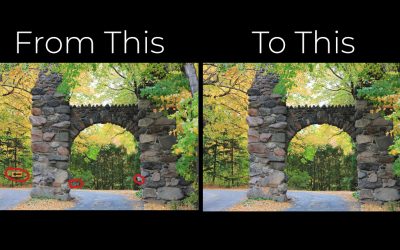
Using Spot Healing + Content Aware Fill
Two easy ways to make corrections to your photographs for use on your digital pages.

Coloring Black PNG Elements
Discover easy, beginner-friendly techniques for coloring black PNG elements in digital scrapbooking and art journaling projects.

Make the Most of Grayscale JPGs in Digital Scrapbooking
Learn how to colorize JPG formate overlays to kick up your digital scrapbooking backgrounds!
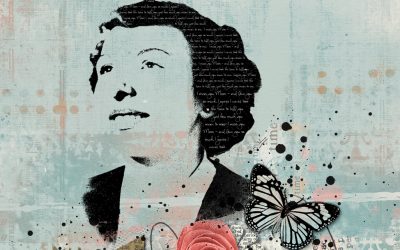
Create Stamped Silhouette for Your Digital Scrapbook Page
Turn your photo into a stamped silhouette! This is a great way to use those less-than-perfect, but still meaningful photos!
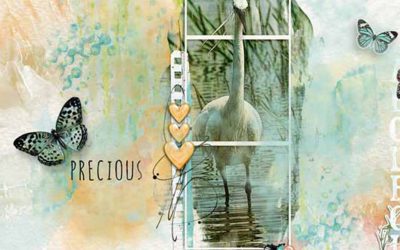
Using Paint or Gesso Elements as Photo Masks
This tutorial shows you how to use paint or gesso elements in a kit as a mask for your photos

Using Transparent Overlays
This tutorial shows how to quickly make digital background papers using transparent overlays. It’s meant to be an overview, not a step-by-step tutorial.
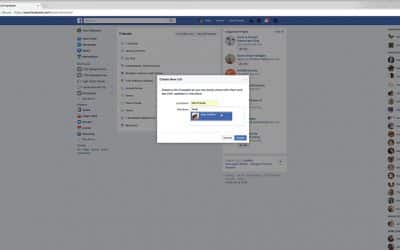
Facebook Custom Friends Lists
Vicki Robinson Designs shows you how to create custom lists of friends and pages within Facebook, so you can quickly the posts you care about

Out-of-Bounds Effect
What does “out-of-bounds” mean in terms of art journaling – and what does it have to do with Photoshop?

Mixing Digital Products on Your Page
Mixing digital products on your page can seem a...

Using Snapshot in the Photoshop History Panel
Photoshop – Using the “snapshot” feature of History Panel can save you time as you work your pages.

Adding a Digital Paper Clip to your Pages
Adding a Digital Paper Clip to your page is super easy. Making it look realistic is also easy and, in my Photoshop Elements tutorial, I show you how.

Stencil Your Digital Pages For a Mixed Media Look!
Stenciling is one of my very, very favorite mixed media techniques because it is so simple! Lay the stencil down, use your choice of spray inks or paints on top, remove the stencil and voila! In just a few seconds, you’ve created a lovely background – or even focal element – for your artwork