
Setting Up Photoshop & Photoshop Elements
Photoshop & Elements Basics
These aren’t scrapbooking techniques so much as software fluency — the workspace settings, brush installs, and file conversions that make Photoshop and Elements work the way you do. Once these feel natural, everything else on this site gets easier.
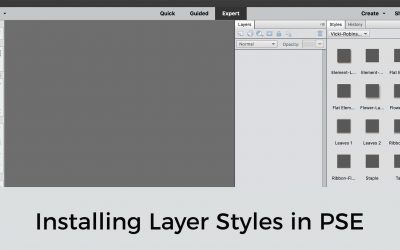
Installing Layer Styles
Layer Styles are used to add fun or interesting effects to elements on your page. Installing Layer Styles into Photoshop Elements is easy

PSE Power Tip: Bypass PSE 2020 Home Screen
Learn How to bypass that annoying PS Home Screen and go directly to the Editor or the Organizer
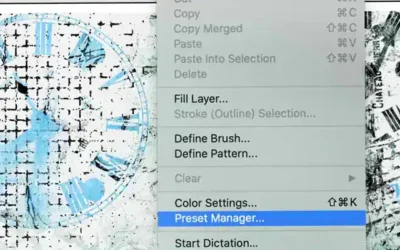
Loading Brushes into Photoshop Elements: 2 Easy Ways
Load Brushes into Photoshop Elements temporarily, or install them for access whenever you need them.

Customizing the Photoshop Elements Workspace
How to customize the PSE workspace to better suit your personal preferences

PSE Power Tip: Installing Color Styles + Swatches
Vicki Robinson Designs walks you through installing both color style (.asl) and color swatch (.aco) files into Photoshop Elements and explains how they are different.

Get a Little Inspiration in Your Inbox
Ideas, gentle prompts, and new tutorials — sent to you a few times a month. No pressure, no perfection required.