Start Where You Are. Use What You Have. Do What You Can.
Turn your photos into meaningful stories—without perfection, overwhelm, or fancy equipment. Get My Free Focus Words Guide and short email series on using Focus Words in your art.
Welcome to my world of digital scrapbooking and art journaling — where creativity meets storytelling.
Explore tutorials, ideas, and inspiration to help you turn your photos and memories into meaningful works of art.

Customizing the Photoshop Elements Workspace
How to customize the PSE workspace to better suit your personal preferences

PSE Power Tip: Installing Color Styles + Swatches
Vicki Robinson Designs walks you through installing both color style (.asl) and color swatch (.aco) files into Photoshop Elements and explains how they are different.

Put a Little Love in It Digital Scrapbooking Collection
Put a Little Love in It a a digital scrapbooking and art journaling kit by VIcki Robinson Designs

October 2019 Mini O’s!
Mini O’s are released the forth Friday of the month and are 44% off for four days only!
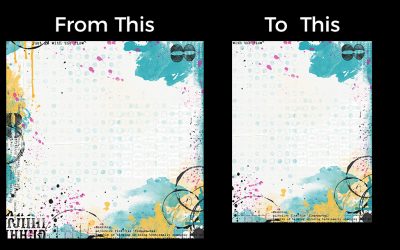
Converting a 12 x 12 Paper to U.S. Ltr or A4 size
If a designer hasn’t included A4 and US Ltr size papers with a kit, don’t fret! Let me show you how you can convert 12 x 12 papers easily!
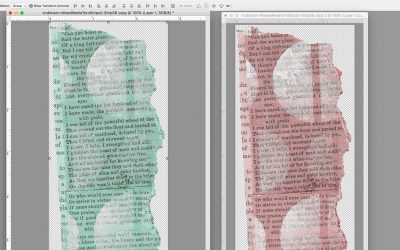
Selective Recoloring
There are lots of ways to to selectively recolor parts of a PNG element. In this video I’ll show you two of my favorites.
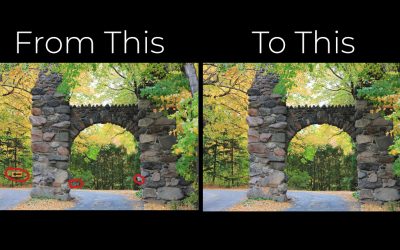
Using Spot Healing + Content Aware Fill
Two easy ways to make corrections to your photographs for use on your digital pages.

Coloring Black PNG Elements
Discover easy, beginner-friendly techniques for coloring black PNG elements in digital scrapbooking and art journaling projects.

Make the Most of Grayscale JPGs in Digital Scrapbooking
Learn how to colorize JPG formate overlays to kick up your digital scrapbooking backgrounds!
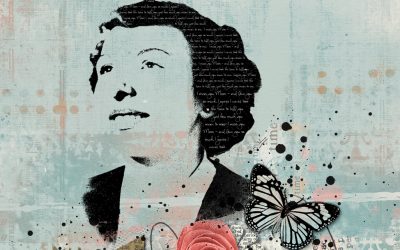
Create Stamped Silhouette for Your Digital Scrapbook Page
Turn your photo into a stamped silhouette! This is a great way to use those less-than-perfect, but still meaningful photos!
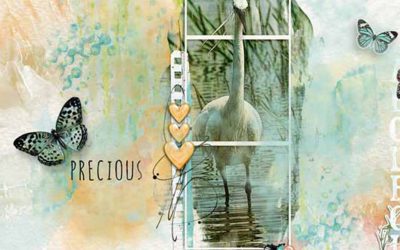
Using Paint or Gesso Elements as Photo Masks
This tutorial shows you how to use paint or gesso elements in a kit as a mask for your photos

Digital Art Journal Page: As if there is no Tomorrow
I thought you my enjoy watching me create a digi page in Photoshop.